
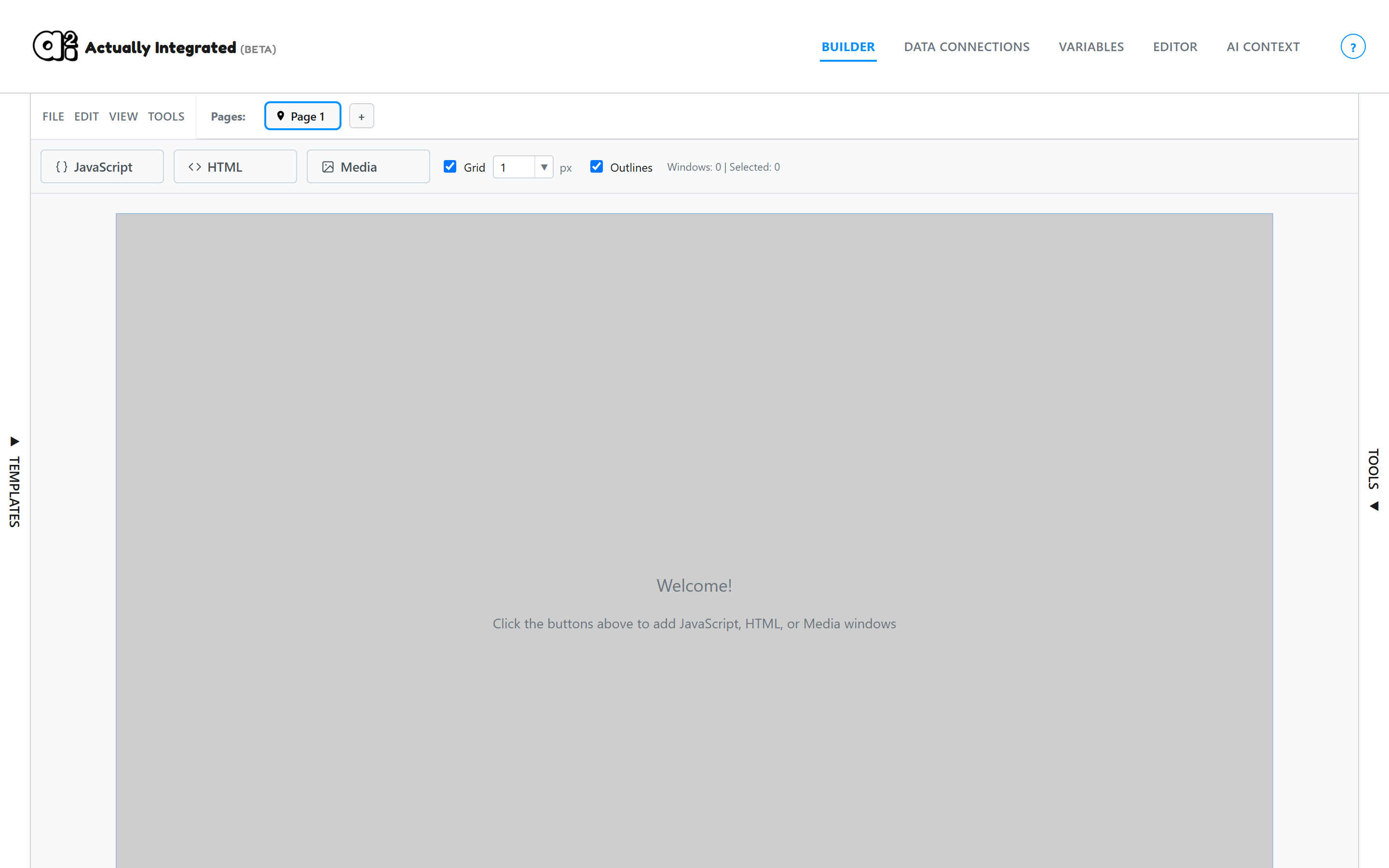
1Start with a blank canvas
Open the builder. Every project starts as an empty canvas.
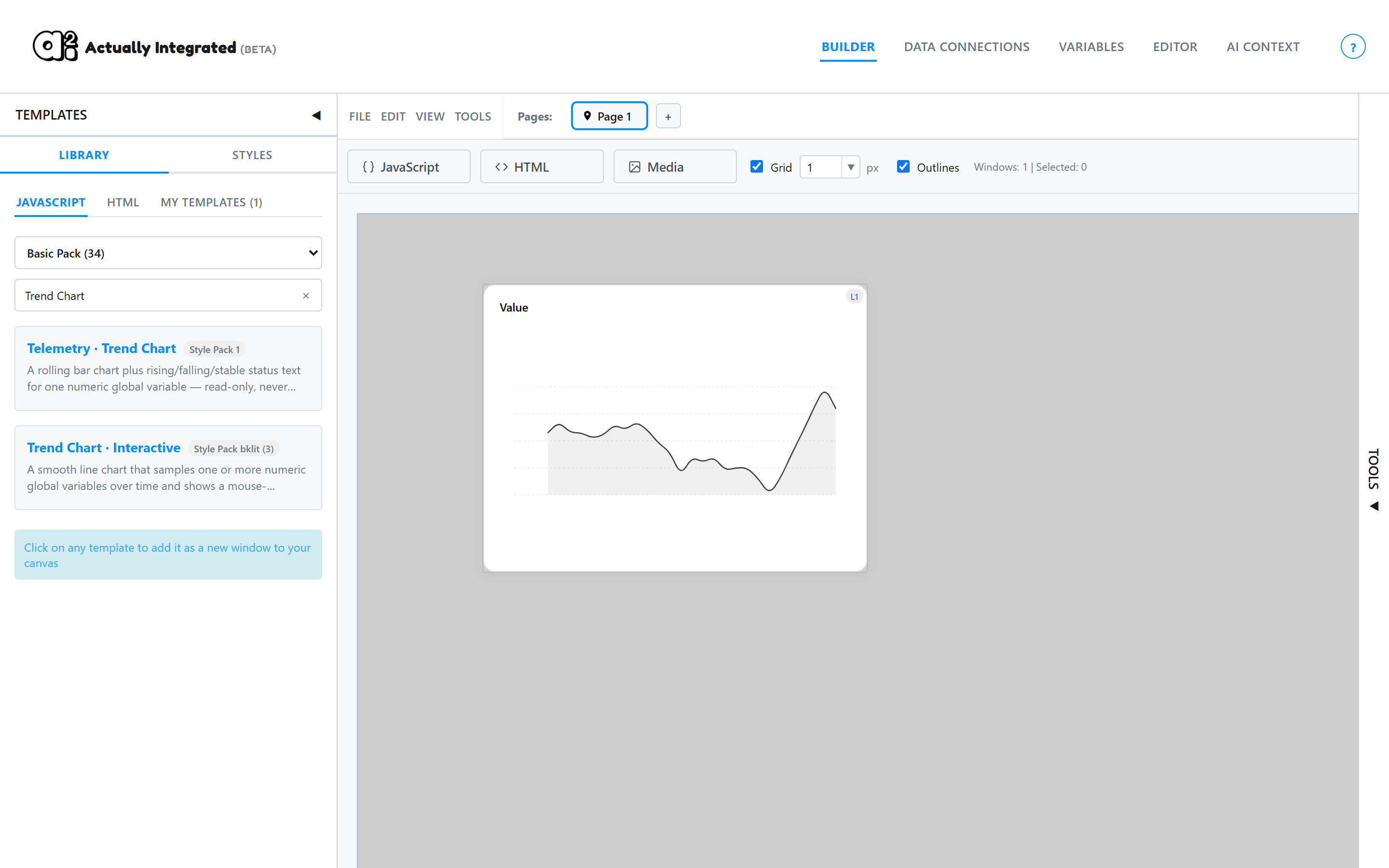
2Add a template
Click Templates on the left edge to open the library. Search or browse, then click a template to add it to the canvas.
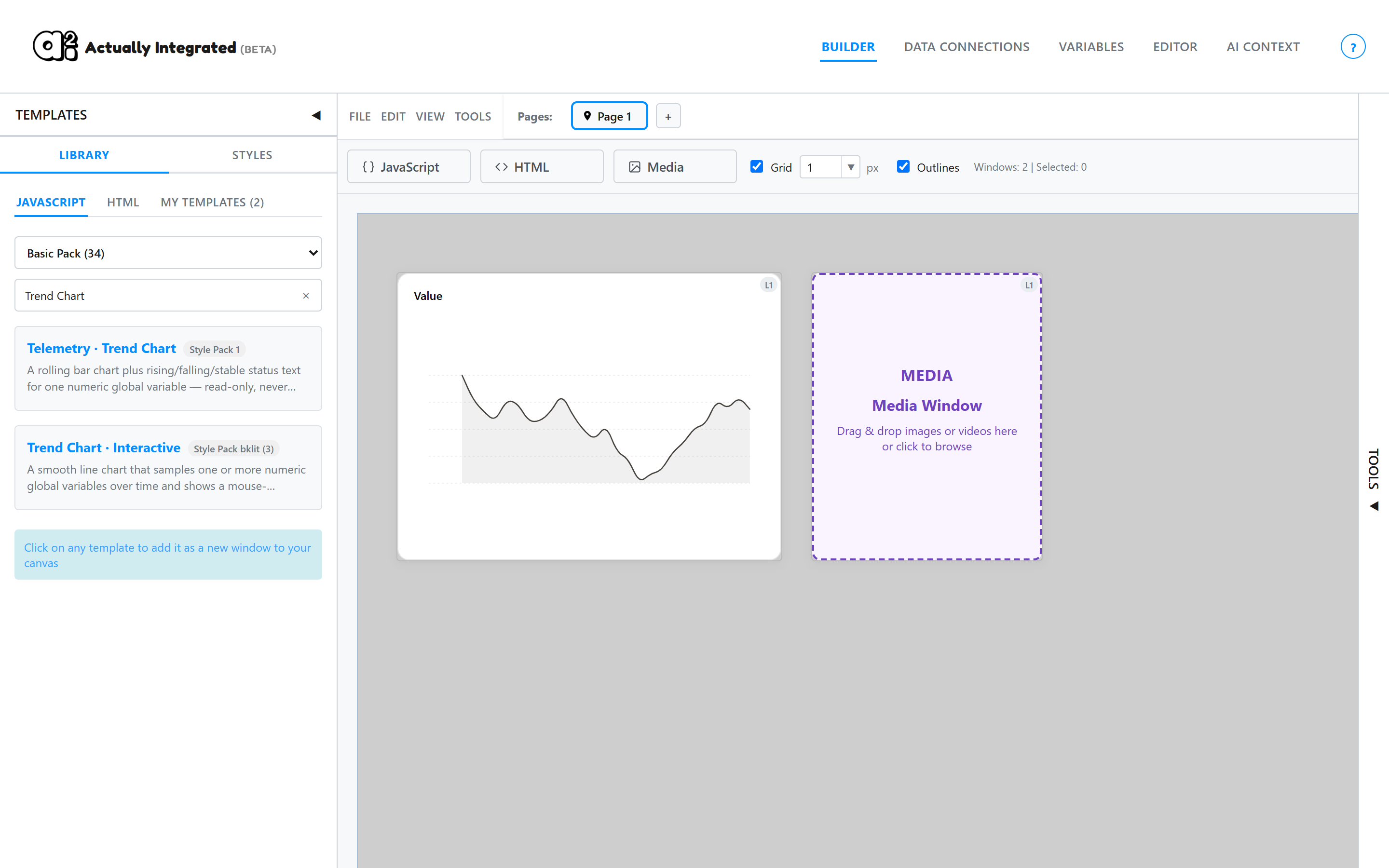
3Add an image
Click Media, then drop an image file onto the new window, or click the window to choose a file.
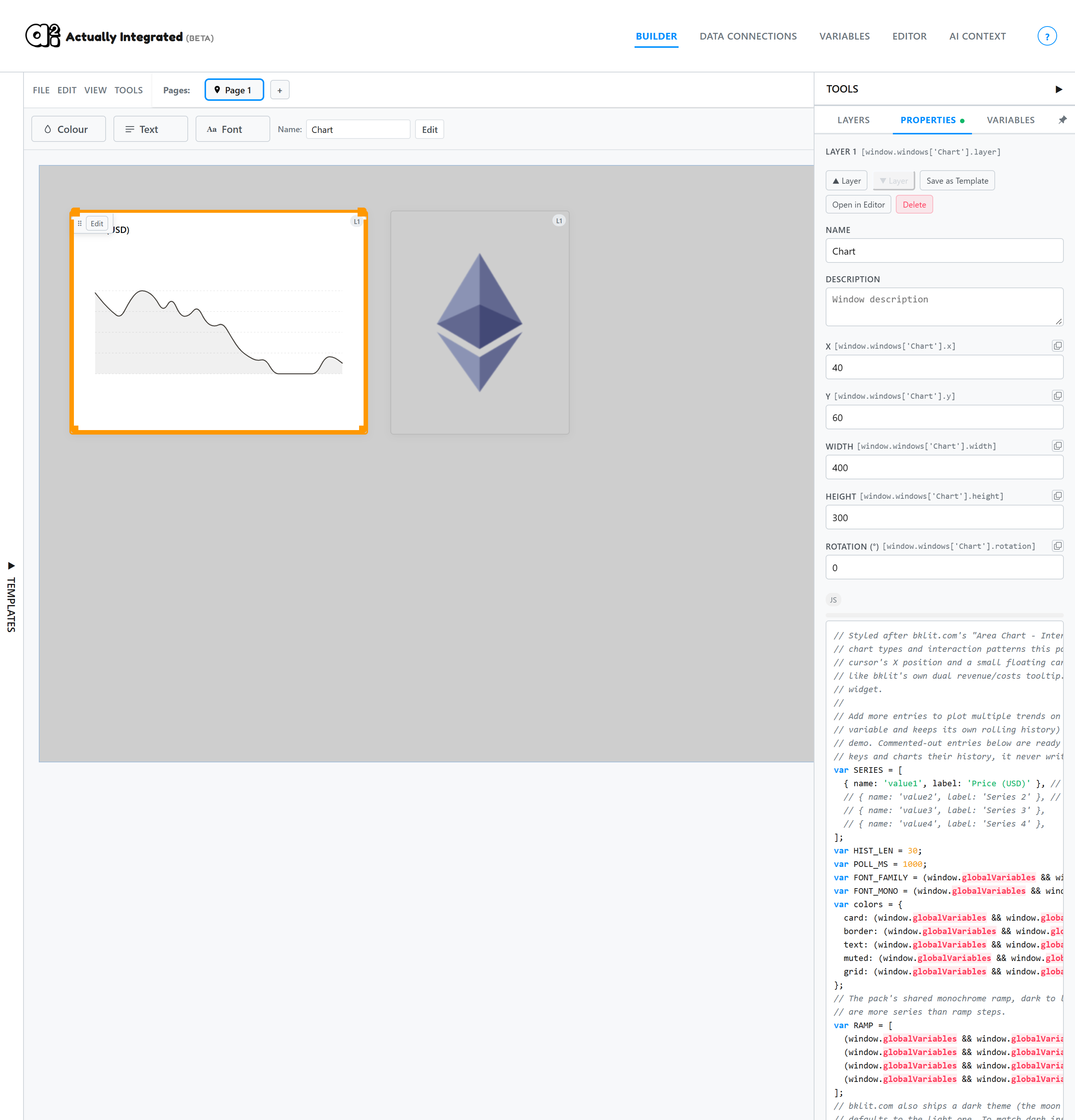
4Edit a widget
Select a widget to edit it. The Properties panel sets its name, position, size and code.
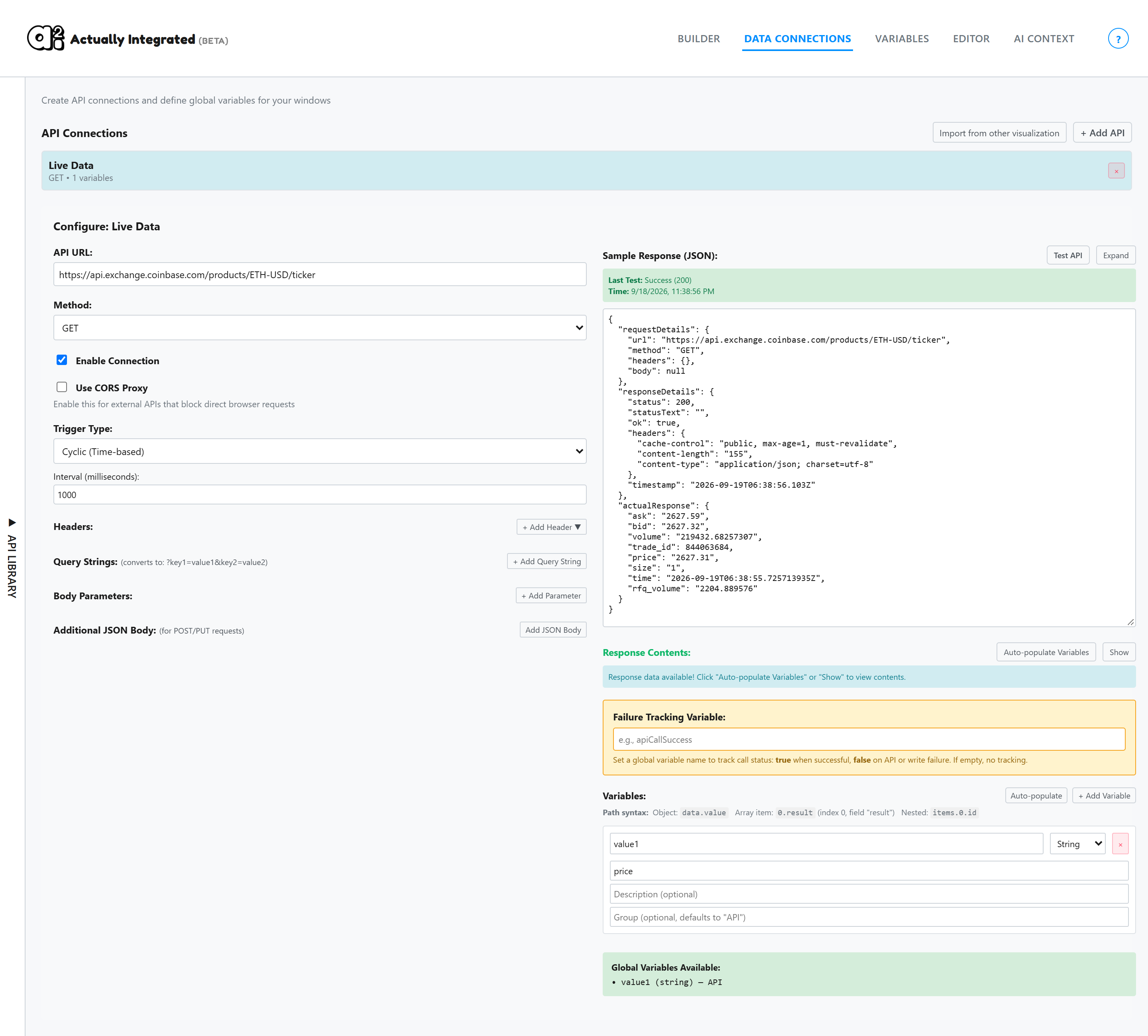
5Connect data
Open the Data Connections tab and click + Add API. Enter a URL, click + Add Variable, and enter the path to a value in the response. Any widget that reads that variable name updates automatically.
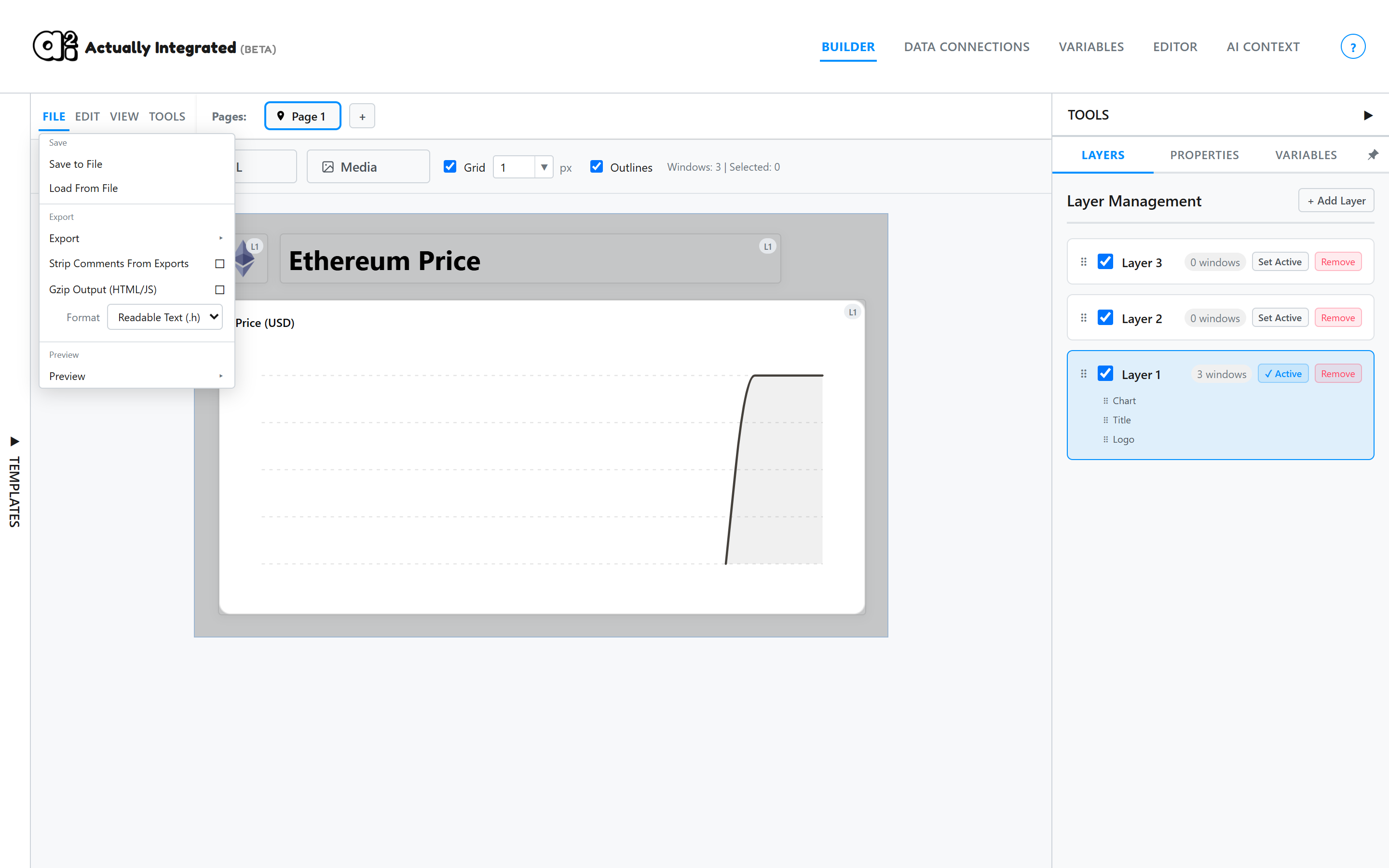
6Export
Open File, then Export, then Complete HTML. You get one self-contained file. Save to File keeps a project file you can load again later.
See exactly how one gets built, or explore a full live project — both open right here.